
Quick start
the app in your browser.
Run the app with no accounts at all, then run the whole system on your computer against the Firebase emulators.
01Web demo, no accounts
You need only Flutter (see Requirements). Demo mode uses simulated, labelled ads and an in-memory backend: nothing is sent anywhere and progress resets when you reload.
cd app
flutter pub get
flutter run -d chrome --dart-define=DEMO_MODE=true   # simulated ads, in-memory server, labelled demo
Chrome opens with the onboarding screen. Sign in as a guest, watch a simulated video, claim the daily streak, spin the wheel and scratch a card.
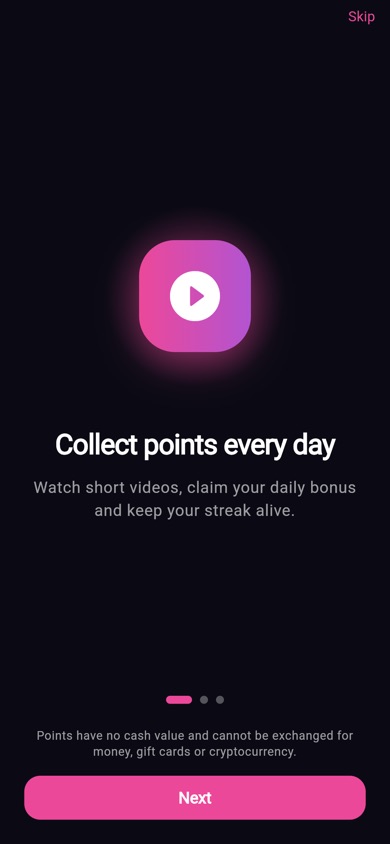
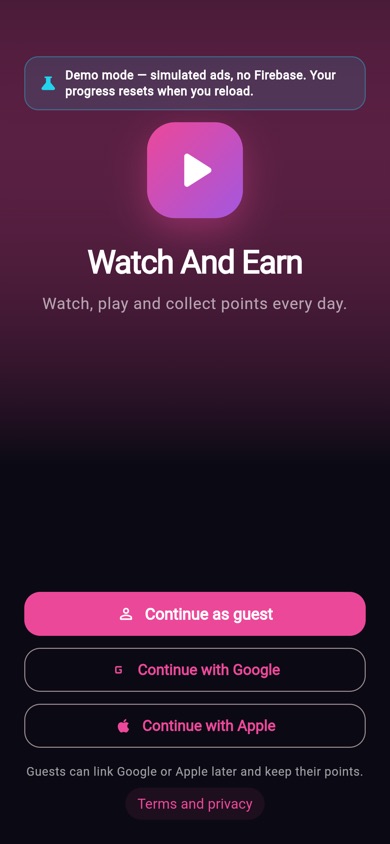
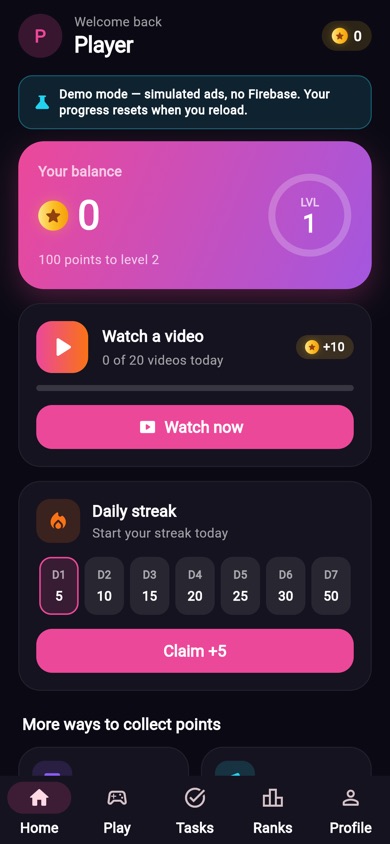
The web build exists only as a demo. The real app targets Android and iOS; the ad SDKs and store purchases do not run on the web.
02Everything locally, on the Firebase emulators
This runs the real backend, the real console and the real app on your computer with a Firebase "demo-" project, so no cloud project is needed. You need Node.js 22, the Firebase CLI and Java 21 or newer.
- Build the Functions and start the emulatorsIn the first terminal:
cd firebase/functions npm ci npm run build cd .. firebase emulators:start --project demo-watchandearn # auth 9099, firestore 8080, functions 5001 - Start the operator consoleIn a second terminal:
The log prints a one-time setup code. Opencd admin npm ci FIRESTORE_EMULATOR_HOST=localhost:8080 ADMIN_SECRET_KEY=$(openssl rand -hex 32) npm start # http://localhost:8790/adminhttp://localhost:8790/admin, choose Create the owner, enter the code, your e-mail and a password of 12 or more characters. On start the console writes the app settings (config/public) into the emulator. - Run the app against the emulatorsIn a third terminal:
On an Android emulator the app reaches your computer atcd app flutter run --dart-define=USE_EMULATOR=true10.0.2.2automatically. For a real phone on your network add--dart-define=EMULATOR_HOST=<your-computer-ip>(app/lib/core/env.dart).
No real ad network can call your computer, so in the emulator the function devCompleteAdSession stands in for the ad network callback and the whole earn flow works. In production the same function always answers permission-denied.
03Run the tests
cd app && flutter analyze && flutter test
cd firebase/functions && npm test && npm run test:emu && npm run test:rules
cd admin && npm test && npm run test:emulator
Run each line from the package folder. test:emu, test:rules and test:emulator start the emulators themselves, so they need the Firebase CLI and Java. When these docs were written, flutter analyze reported no issues and the Functions unit tests passed (28 tests).