
Watch And Earn
from zip to store.
Everything you need to run, configure, rebrand and publish your own rewards app. Read it top to bottom the first time. After that, press / and search.
01What you bought
Watch And Earn is a rewards app for Android and iOS, built with Flutter and Firebase. Your users collect points and badges by watching rewarded videos, keeping a daily streak, spinning a lucky wheel, scratching cards, answering quizzes, finishing daily tasks, completing partner offers and inviting friends. You run the whole app from a web console, the operator console, without changing code.
Points are a non-transferable score inside the app. There is no cash-out, gift-card, PayPal or crypto payout anywhere in the code, and a test (app/test/no_cash_out_test.dart) fails if one is added. This is on purpose: Google AdMob's rewarded-ads policy forbids monetary rewards for watching ads. Do not describe the app to your users as a way to earn money. See Policy and compliance.
The package has three parts that share one data contract (docs/CONTRACT.md):
| Folder | What it is |
|---|---|
app/ | The Flutter app: Android, iOS and a web demo mode. Screens in app/lib/ui/, ads in app/lib/ads/, purchases in app/lib/iap/, texts in app/lib/l10n/app_en.arb. |
firebase/ | Firestore security rules and indexes, and the Cloud Functions (TypeScript, Node 22) that hold every rule: the points ledger, rewarded-ad verification for four ad networks, daily caps, rate limits, App Check, referrals, streaks, leaderboards and purchase verification. |
admin/ | The operator console, a small Node server built on the MIKODES Admin Kit. Settings for brand, legal pages, ads, economy, features, purchases and push; pages for users, ledger, fraud flags, leaderboard, quizzes, tasks, offers and push. |
docs/CONTRACT.md | The data and API contract: every Firestore collection, every setting with its default, every Cloud Function. |
README.md | Short developer overview with the main commands. |
02How the app can make money for you
The app is revenue-ready: it contains the mechanisms below. How much they bring depends on your traffic, the ad network, the countries of your users and policy compliance. These docs do not estimate income.
| Mechanism | How it works | Default |
|---|---|---|
| Rewarded videos | Users choose to watch a video for points. The ad network pays you. Points are credited only after the network's server-side callback is verified. | On, with Google's AdMob test ids |
| Interstitial and banner ads | An interstitial every n-th screen change with a minimum gap; an optional banner on the home screen. | Off |
| VIP subscription | Monthly or yearly store subscription. VIP users get a points multiplier (1.5 by default). | Off |
| Remove-ads purchase | One-time store purchase that hides interstitials and banners. | Off |
| Partner offers | You list offers from affiliate partners. The partner's signed postback credits the user points. Your payment from the partner is under your own agreement with them. | No offers |
Ad networks supported in one build: AdMob, AppLovin MAX, Unity Ads and ironSource LevelPlay. You pick one in the console; switching needs no new build. Details in Ads.
03What it looks like
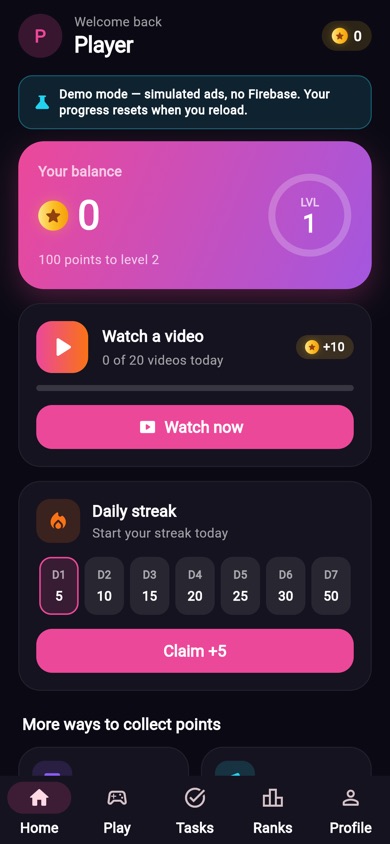
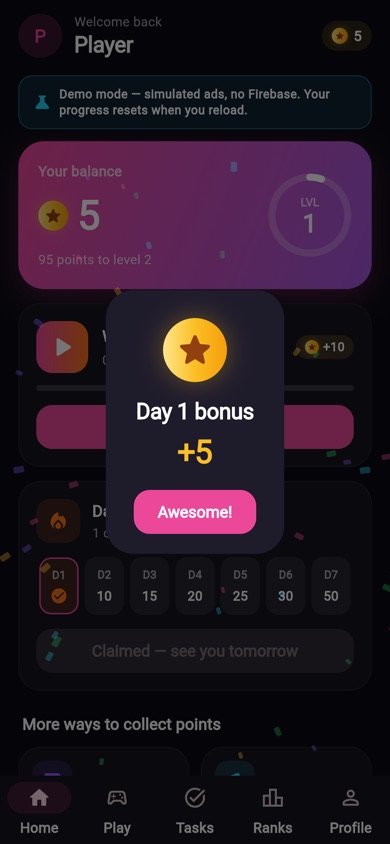
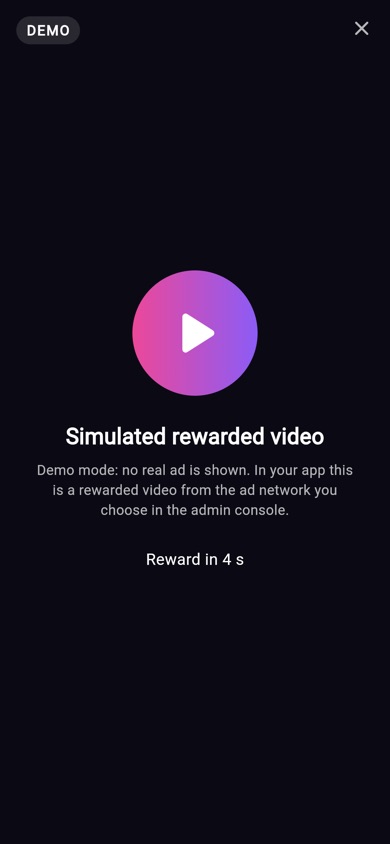
These screenshots come from the web demo mode (DEMO_MODE=true), which runs with simulated ads and an in-memory backend. Your build shows real ads from your network.
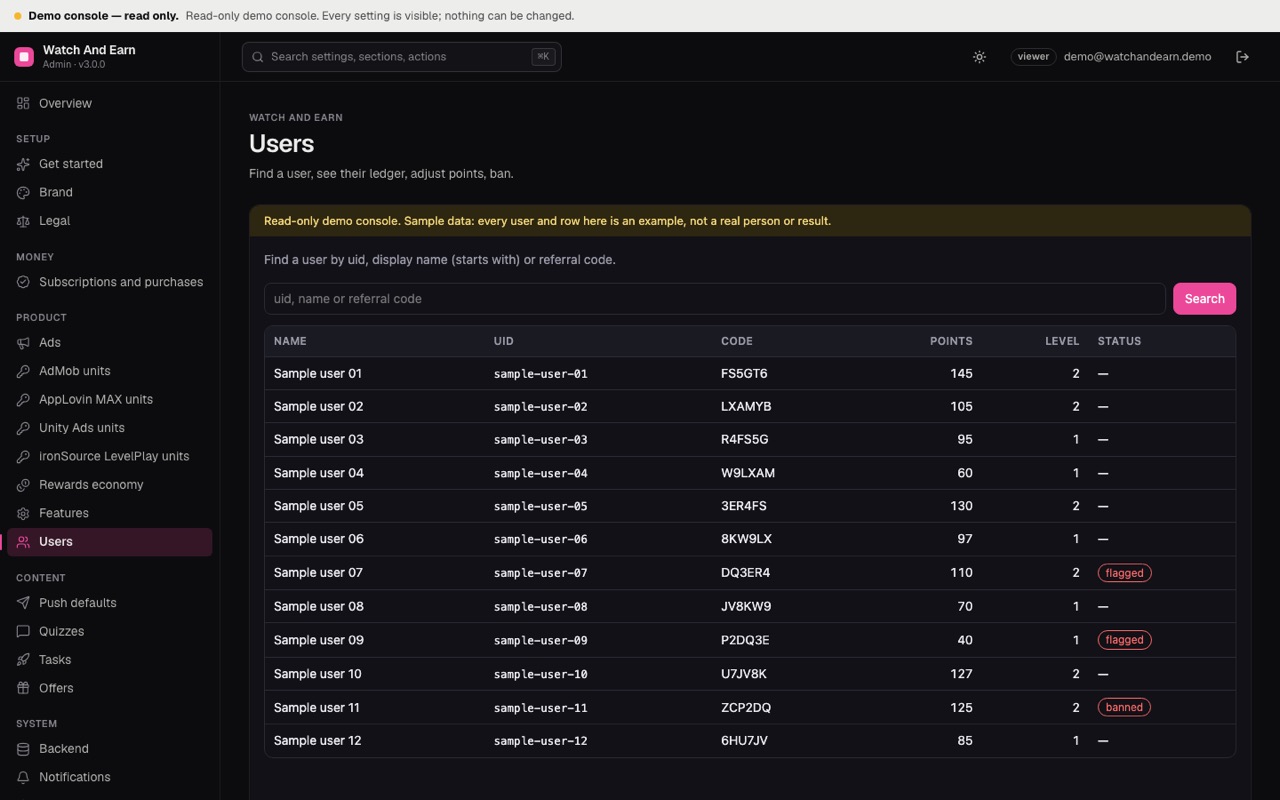
04Pick your path
05What is not included
A Firebase project on the paid Blaze plan, an ad network account, Google Play and Apple developer accounts, hosting for the operator console, your privacy policy, terms and rewards-rules pages, and any partner agreements for offers. None of these are part of the purchase. See Paid services.
06How to read these docs
- Dark boxes are commands. Press Copy in the corner and paste them into a terminal.
- Grey text after
#is an explanation. The Copy button leaves it out. - Text in capitals or angle brackets, like
REGION-PROJECTor<your-project-id>, is a placeholder. Replace it, brackets included. - Paths start at the unzipped folder.
app/lib/ads/means theadsfolder insidelibinsideapp. - Required marks steps you cannot skip before a public release. Optional marks steps you only need for a feature you want.